PVM vs BVM: Which Sony Pro Monitor Is Right for You?
TVL, scan rates, input cards, tube hours, and why the sharpest monitor isn't always the best one for 240p.
Sony’s professional monitors are the holy grail for a lot of retro gamers, and for good reason. They were built for TV studios, editing bays, and hospitals, where picture quality and reliability mattered more than price. But “PVM” and “BVM” cover dozens of very different monitors, and the right one for you depends on what you’re plugging in and what you want it to look like.
Here’s how we think about it after testing a lot of them.
PVM vs BVM: what the letters mean
- PVM = Professional Video Monitor. Sony’s workhorse line for production, editing, and medical use. Lots of variety, from small 13” composite-only sets to multiformat 20” monitors.
- BVM = Broadcast Video Monitor. The top of Sony’s range, meant for color-critical broadcast and mastering work. Finer tubes, more adjustment, and much higher price tags when new. Some sold for well into five figures.
A BVM isn’t automatically “better” for you, though. The bigger question is resolution.
TVL: the number that changes the look
TVL (TV lines) is a measure of horizontal resolution: how many alternating vertical lines the tube can resolve across a width equal to the picture’s height. It’s not the number of scanlines (NTSC is always 525 lines).
Rough tiers you’ll see:
- ~250 TVL: basic composite-only sets like the PVM-1380.
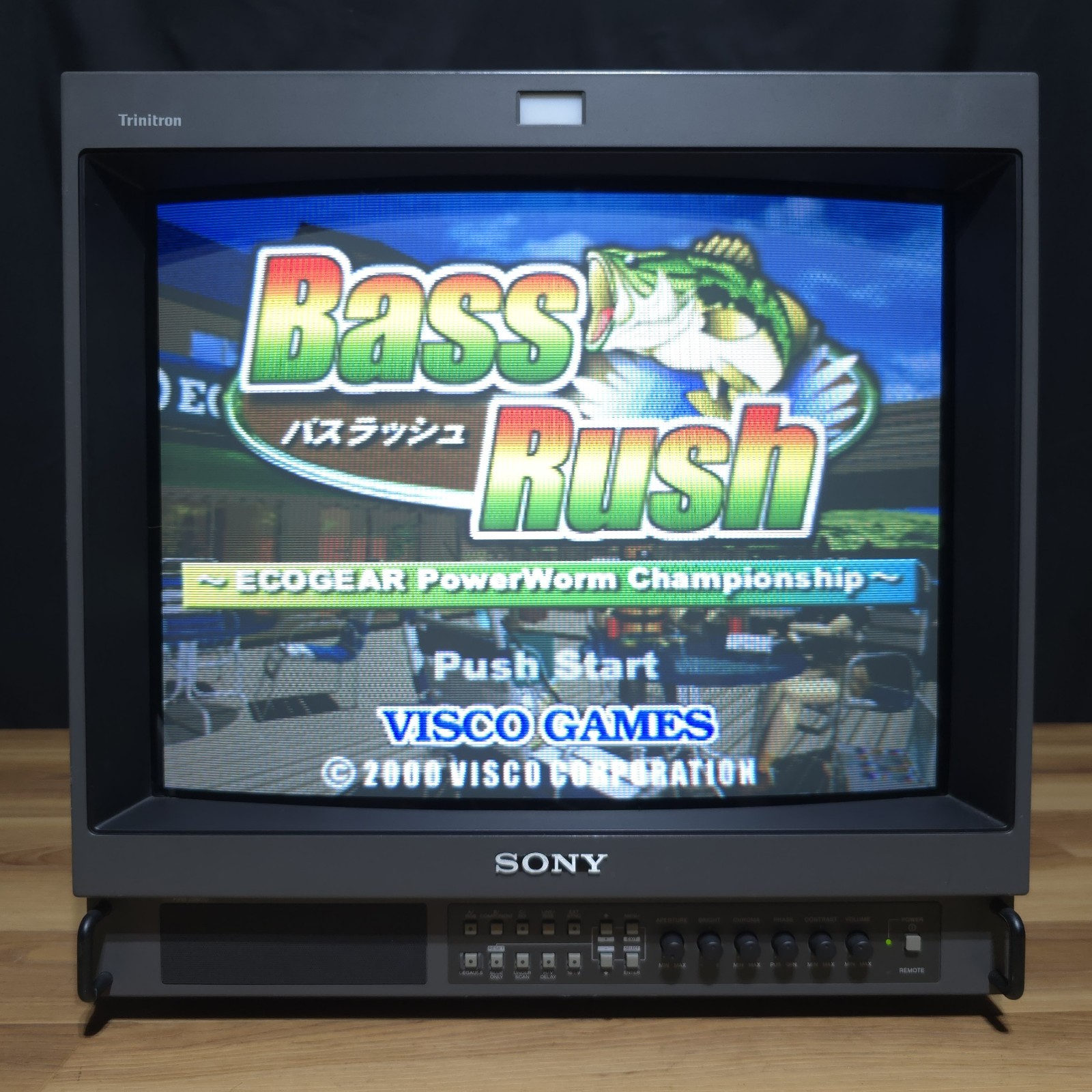
- 600 TVL: the PVM M2 series (14M2U, 20M2U) and L2 series. Sharp, but with visible scanline and mask texture.
- 800 TVL: PVM-20M4U, PVM-14L5/20L5, BVM-D14H5U.
- 900 TVL: BVM 20” F-series and D20.
- 1000 TVL: the widescreen BVM-D24 and D32, the end-game monitors.
Higher TVL isn’t simply better. On an 800+ line monitor, 240p looks extremely clean, almost OLED-like. Plenty of collectors actually prefer the coarser, more textured look of a 600 TVL tube for classic consoles, and you’ll find long forum threads arguing both sides. If you mostly play 8- and 16-bit games, a 600 TVL PVM is a fantastic place to land. If you want razor-sharp everything (or HD), go higher.
15 kHz only, or multiformat?
This is the spec that decides what you can plug in:
- 15 kHz only monitors handle 240p and 480i: everything up to the PS2/GameCube era at standard definition. The PVM M2/M4 series and the BVM E- and F-series 20” monitors are 15 kHz only.
- Multiformat monitors (15–45 kHz) also take 480p, 720p, and 1080i. That means Dreamcast VGA, progressive-scan PS2/Wii/GameCube games, HD consoles over component, and PC sources. The PVM-14L5/20L5 and the BVM D-series are multiformat.
A quick tip from the forums that holds up: if a spec sheet only lists “525 lines, 60 Hz interlaced,” it’s a 15 kHz monitor.
Inputs and BKM cards
Many PVMs have RGB, component, S-Video, and composite built in. Many BVMs (and some PVMs) use slot-in input cards, so which cards are installed matters as much as the monitor itself.
- BKM-129X: RGB/component input card (BVM D-series, PVM L-series).
- BKM-120D: SD-SDI. BKM-142HD: HD-SDI. BKM-127W: composite/S-Video.
- BKM-68X: the RGB card for BVM A-series monitors. These are rare and expensive, which is why A-series monitors without one are a gamble.
- BKM-10R / BKM-11R controllers: BVM D- and F-series monitors are controlled from a separate keypad. No controller, no menu.
Every listing we post tells you exactly which cards and controllers are included.
Tube hours (and why the counter isn’t the whole story)
Pro monitors were often run all day in studios, so tube wear matters. Many BVMs show operating time in their status menu. A few things worth knowing:
- Sony’s own guidance (around 30,000 hours) was for color-critical broadcast use. For gaming, tubes with far more hours can still look great.
- Low-hour tubes (a couple thousand hours) are wonderful finds.
- Studios sometimes replaced tubes, so the hour counter doesn’t always match the tube that’s in it.
- What matters most is how it looks: brightness, focus, color, and burn-in. That’s exactly what we check and describe in every listing.
Size and weight are real
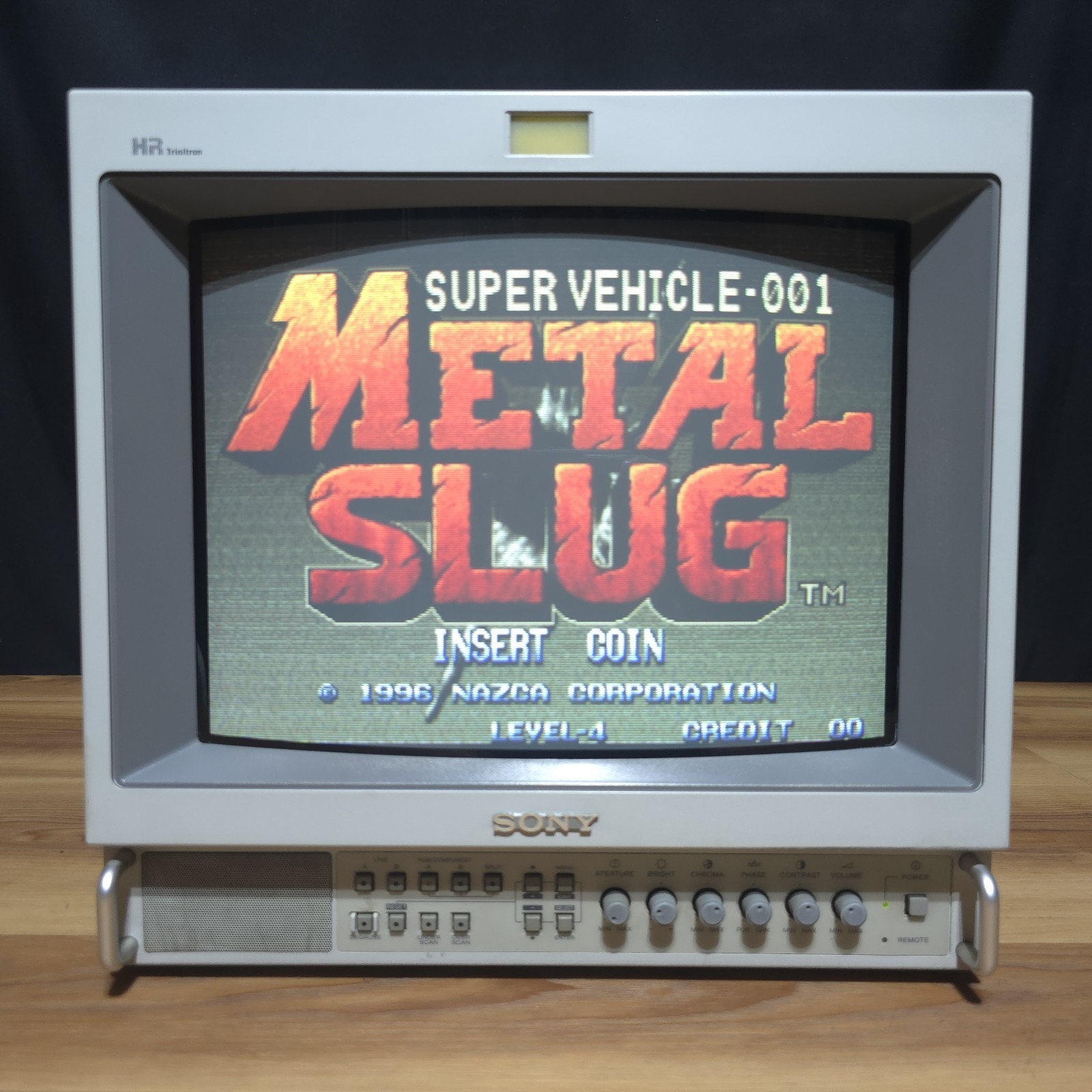
A 13–14” PVM is around 35–40 lb. A 20” PVM is roughly 65–70 lb, and a 20” BVM is over 80 lb. The widescreen BVM-D32 is over 200 lb. Big pro monitors are usually local pickup or freight, which is why many of ours are pickup-only in Tucson (and why pickup saves you money on anything we’d otherwise ship).
So which one should you buy?
- Classic consoles, mostly 240p, want the “CRT look”: a 600 TVL PVM (M2 or L2 series). Great value, gorgeous scanlines.
- Sharpest possible 240p: an 800–900 TVL PVM-20M4U or 20” BVM.
- Retro and progressive/HD sources: a multiformat PVM-L5 or BVM D-series.
- Money’s no object, modern games at 1080i: a widescreen 1000 TVL BVM-D24 or D32.
A good, clean monitor that’s local to you is often a better deal than a “better” model you’d have to ship across the country. Not sure what fits your setup? Email us. We use these daily and we’re happy to talk it through.
Further reading
- CRT Database: spec pages for nearly every PVM and BVM
- RetroRGB: RGB monitors and its interview with a BVM technician
- shmups forum: BVM picture quality discussion